
Screenshots
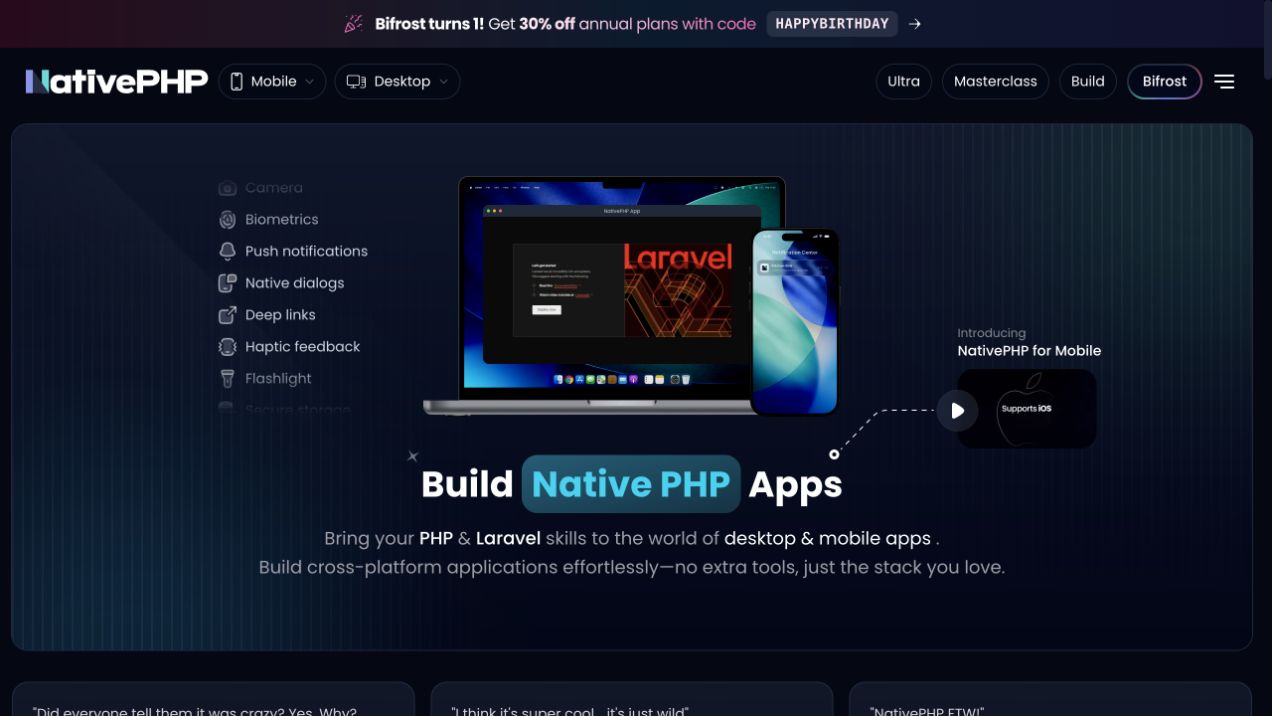
About NativePHP
NativePHP brings Laravel application development to devices. Its Mobile project bundles a PHP runtime with the application and provides access to native interfaces and device capabilities. For a team already comfortable with Laravel models, validation and application services, the interesting question is how much of that experience can carry into a product installed on a phone.
This entry focuses on NativePHP for Mobile and the current SuperNative architecture. NativePHP also has a separate Desktop project, whose established Electron-based approach has different rendering and distribution considerations. Choose the documentation for the product you are actually building; examples written for one should not be assumed to apply unchanged to the other.
What SuperNative changes
SuperNative uses Blade component markup to describe platform-native interfaces. The Mobile documentation explains how those screens become SwiftUI views on iOS and Jetpack Compose views on Android. PHP remains responsible for application state and behaviour, while the platform renderer supplies the controls a user touches.
That is a meaningful distinction when evaluating a PHP mobile framework. A Laravel developer may recognise the component structure without treating a phone as a small desktop browser. Layout, navigation, keyboard interaction and device permissions still need attention on the actual platform. Familiar application code is a starting point, not a substitute for checking the resulting experience.
A web-view option also exists for cases where a project needs it. Decide which rendering path suits the screen before choosing packages and examples. Some interface components are designed for the native tree; others belong to a browser environment. Keeping that boundary clear makes integration work easier to reason about.
A useful first project
A small offline notebook is a sensible evaluation project. It needs text input, validation, a saved list and local persistence, all of which reveal more than a static welcome screen. Start with one complete task, such as saving and editing a note, and follow it through a cold launch and a second session.
The goal is to understand the application lifecycle. Check where state lives, when the interface refreshes and what happens when the user leaves a screen with unsaved work. Exercise long text, an empty field and a failed validation case. These ordinary interactions tell you whether the framework fits your product more reliably than a large catalogue of unfinished screens.
Add device integrations only when the feature needs them. A note editor does not require camera access, and a local reading list does not automatically need push notifications. Keeping the first build narrow makes it easier to distinguish an application bug from a plugin configuration problem.
Laravel skills that remain useful
Models, migrations, service classes and validation still provide familiar structure. A dedicated action can keep a save operation readable, and a policy can express permission rules when an application has multiple users or connects to a backend. The fact that PHP runs on a device does not make scattered business logic easier to maintain.
Local storage also deserves a deliberate design. An offline application may be perfectly useful with data kept on the device. An application that synchronises with a server needs additional rules for identity, conflicts, retries and deleted records. NativePHP is part of the application stack; it does not decide those product rules for you.
Testing should reflect those layers. Exercise PHP behaviour with automated tests, then check the native interface on each target platform. A passing unit test can establish a calculation or validation rule, but it cannot prove that a keyboard covers the save button or that navigation feels right on a small screen.
Plugins and the surrounding ecosystem
The NativePHP website provides a plugin directory for device capabilities and integrations. Review the plugin's documentation, supported platforms and current requirements before adding it. A feature demonstrated on iOS should not be advertised as tested on Android without a corresponding build and interaction check.
The ecosystem also includes Jump for preview workflows and Bifrost for cloud build and distribution workflows. Those are related services with their own capabilities and commercial terms. The open-source runtime and a hosted service should not be presented as the same purchase. Follow their official pages when comparing the development and deployment options available to your team.
For a broader starting point, the separate Super Stack listing covers NativePHP's Laravel application starter with Filament and MCP. That kit makes more decisions up front. Starting from the Mobile package gives you a smaller surface to understand, while starting from the kit can be useful when those additional pieces already match your intended product.
Before choosing it for a release
Read the environment requirements for the current Mobile documentation version and confirm that your PHP and native toolchains match. Budget time for platform-specific builds, signing and distribution. A successful browser preview is useful feedback, but it is not evidence that a signed device build has been produced.
Also consider the team maintaining the application after launch. Someone will need to review native dependency updates, plugin changes and operating-system behaviour. The benefit is being able to reuse substantial Laravel expertise while taking those responsibilities seriously, rather than assuming that a familiar language removes them.
NativePHP is especially worth investigating when a Laravel team has a concrete installed-app use case and can test it end to end. The official documentation and repositories are the best place to verify the current architecture and requirements. This directory entry is an editorial overview of those projects, not a claim that a particular device build or store submission has been certified.
Sources: NativePHP, SuperNative architecture, Mobile source, and Desktop source. Image: the official NativePHP website, captured for this listing.
Reviews
Used NativePHP? Share your experience.
Log in to reviewNo reviews yet
Used it? Be the first to leave a rating.