Claim a listing prepared by the WirePackages team
Verify your project email, confirm ownership and take over an existing directory entry.
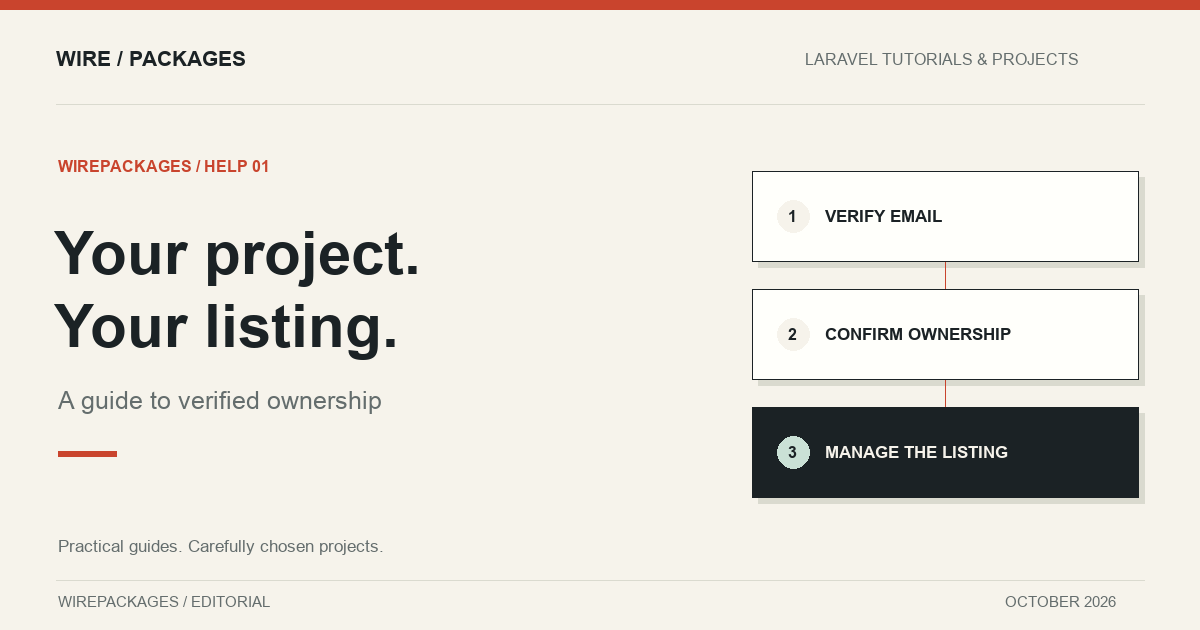
Finding your project in a directory before you have submitted it can be a pleasant surprise, followed by a practical question: how do you update it? WirePackages supports listings prepared by its editorial team. Those listings remain available for their verified owners to claim, so the person maintaining the project can take over its description, links and images.
Claiming is a transfer of management for an existing listing. It does not create a duplicate entry, change the project's licence or imply that WirePackages owns the software. This guide explains the verification process, what you should see on the page and what to do if the claim button is unavailable.
Check that you have the right listing
Start with the public listing page and follow its website or repository link. Confirm that it points to your project rather than a similarly named package. Check the package vendor, the repository organisation and the product description. A matching name alone is not enough when projects have forks, renamed repositories or separate desktop and mobile editions.
Listings credit the people or organisation that created the project. Individual creators have a name and profile photo, while organisations use their name. These credits describe authorship, independently of the account managing the directory entry. The ownership form appears only after an eligible, verified account signs in. Visitors can read about the project without a claim prompt.
If the project has several related entries, such as a package and a starter kit, each entry has its own ownership record. Claiming one does not silently transfer every other project with a similar name. Review the entries separately so that ownership remains attached to the correct product.
Use an email associated with the project
Ownership eligibility is configured for the specific listing. It can use an exact email address or an approved email domain. An exact address allows only that mailbox; a domain rule allows verified accounts using that precise domain. Both approaches require you to verify your email through the account verification flow first.
For example, an address ending in the exact nativephp.com domain can be eligible for the NativePHP entries. A different domain containing the same words does not qualify. A subdomain also does not automatically qualify. This avoids confusing a lookalike address with the organisation's actual domain.
Some independent maintainers use a personal address for their open-source work. In that case, an exact-address rule is more appropriate than allowing everyone at the email provider's domain. WirePackages never treats an entire public email service as proof that someone owns a particular package. The configured address is not displayed publicly on the listing.
Verify before you claim
Sign in using the account you intend to keep as the listing owner. Complete email verification if the account has not already been verified. Then return to the listing page. Verification establishes control of the mailbox; the listing's ownership rule determines whether that mailbox is eligible for this project.
If the claim form appears, read its ownership confirmation and tick the checkbox only if you own the project or are authorised to manage its directory entry. Submit the form once. The application checks eligibility again on the server, transfers the listing to your account and records when the transfer happened.
A successful claim takes you to the listing editor. The existing page, description and links remain attached to the same listing. That continuity is useful because readers may already have bookmarked its address. You can now review the content and make corrections through the usual management flow.
When the button does not appear
First, check which account is signed in. It is easy to verify a work address while still browsing in a session associated with a personal address. Then check the verification state of the current account. An unverified mailbox cannot claim a listing even when its spelling matches an approved address.
If those details are correct, the listing may already have been claimed or may not have an eligibility rule for your address. Do not create a misleading new account or submit the same project again to get around that state. The appropriate next step is to ask the WirePackages team to review the ownership evidence and the existing listing.
Useful evidence includes the official repository, the project website and a public maintainer contact or organisation relationship. Keep account credentials, recovery codes and private signing keys out of that conversation. The purpose is to establish who should manage the listing, not to obtain access to the project's infrastructure.
Review the listing after the transfer
Read the description as someone discovering the project for the first time. Check that the supported versions, pricing category and installation details are still accurate. Editorial entries are researched at a point in time; maintainers are best placed to keep them aligned with releases and product changes.
Replace outdated images with current product screenshots where appropriate. Check the documentation link separately from the homepage link, especially if your documentation has versioned paths. A reader should arrive at instructions that match the product described in the listing, rather than an unrelated branch or an old installation guide.
Claiming does not purchase promotion or create a subscription. Any listing or advertising options remain separate actions with their own details. If the listing already has a particular publication state, use the normal editor and moderation flow to understand what happens when you update it.
Keep ownership current
Use an account that the project can continue to manage responsibly. If your role changes or the project moves to another maintainer, arrange a deliberate ownership review rather than sharing your login. The directory's record should describe who is authorised to maintain the entry now.
The claim flow accepts one successful transfer for an unclaimed editorial entry. Repeated requests cannot take the same listing away from its new owner. That gives maintainers a straightforward route into an existing page while protecting the work they do after taking it over. Once your claim succeeds, the regular listing editor is the place to keep the project accurate.