Laravel 13: keep an active preview alive with Cache::touch
Extend a preview’s lifetime without replacing its contents, with a small action and a real SQLite cache test.
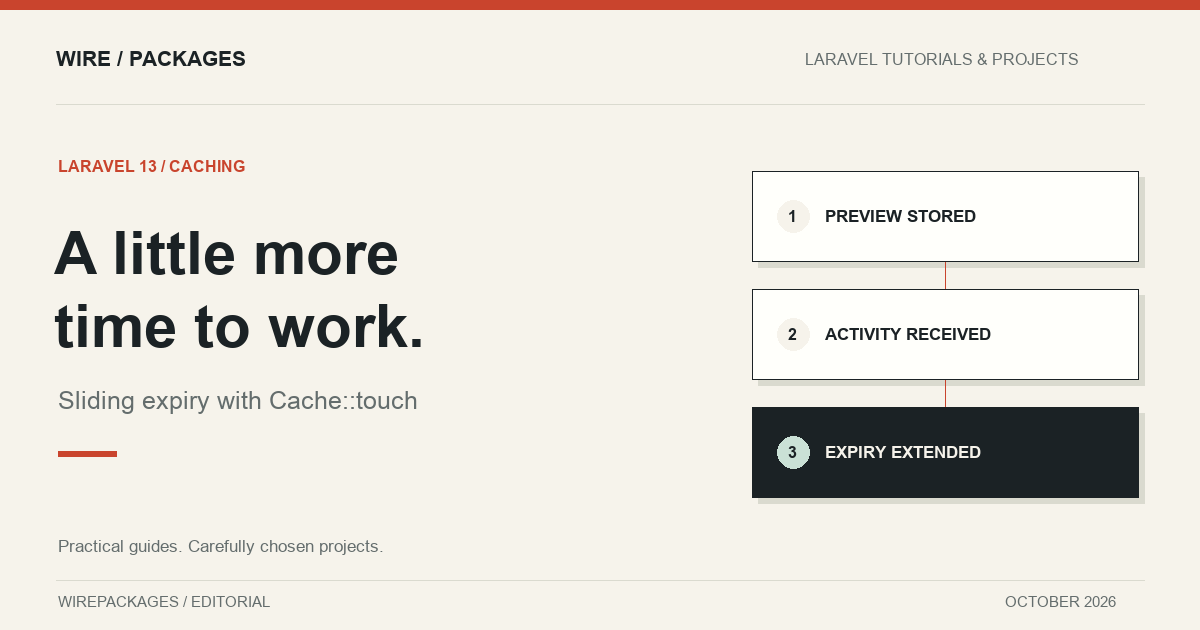
A preview that expires while someone is still using it is a small annoyance with a very visible result. The editor is still open, the work is still relevant, but the next request has to rebuild something that was already available. Increasing every cache lifetime avoids that interruption by keeping abandoned previews around for longer too. Neither choice describes the behaviour we actually want: keep this particular preview while its owner is active.
Laravel 13 adds a useful operation for that job. Cache touch changes an existing entry's expiry without replacing its value. This guide uses it for a private article preview, with a database cache so the example can run under Herd using SQLite. The feature is small. The decisions around keys, ownership and expiry are what make it useful.
Start with the lifetime you mean
Imagine an editor generating a preview of an unpublished article. The generated data belongs to one user and one preview session. It should remain available for fifteen minutes after the last accepted activity. An abandoned tab should eventually lose its cached data, while an active editor should not keep paying for a rebuild.
That is a sliding lifetime. It differs from a fixed deadline, such as a download that must expire at noon regardless of activity. It also differs from permanent storage. The database record holding the article remains authoritative; the cache only holds something we can recreate. Keep those responsibilities separate before choosing an expiry strategy.
Our key contains both the authenticated user's identifier and the preview identifier. This is useful organisation, but it does not perform authorisation by itself. The request that calls the action must already have checked that the user can access the underlying article. An identifier supplied by a browser is not evidence of ownership.
Keep the operation in a small action
The complete action below is the file exercised by the accompanying tests. It deliberately selects the database cache store rather than depending on whichever default store happens to be configured on a reader's machine.
<?php

declare(strict_types=1);

namespace Examples\Laravel13;

use Illuminate\Support\Facades\Cache;

final class KeepPreviewAlive
{
    public function handle(int $userId, string $previewId): bool
    {
        return Cache::store('database')->touch(
            "preview:{$userId}:{$previewId}",
            now()->addMinutes(15),
        );
    }
}
The return value matters. A successful result tells the caller that an existing entry was touched. A missing or expired entry is a different situation: there is no preview left to extend. In that case, the interface can offer to generate a fresh preview through its normal, authorised creation flow. Do not silently claim that an absent preview is still available.
The action accepts typed values and constructs the cache key in one place. In an application with several preview operations, extract the key construction into a shared value object or helper used by creation, reads and expiry updates. Otherwise, a small naming difference can make touch look unreliable when it is actually operating on a different key.
Connect it to meaningful activity
A heartbeat every few seconds is usually more traffic than this feature needs. Saving a draft, changing preview options or explicitly opening a preview are better candidates. The action should run after validation and authorisation, once the application knows the activity is legitimate. Rate limiting the surrounding endpoint also prevents an idle script from extending a preview indefinitely at unnecessary frequency.
There is a product decision hidden here. Should opening a tab count as activity forever, or should the user have to interact with it? Choose that rule deliberately. A background timer that continues all afternoon may preserve data long after the person has stopped working. That is technically consistent with sliding expiry but may be inconsistent with the purpose of the feature.
For particularly sensitive content, add an absolute deadline alongside the sliding window. The cache lifetime can be bounded by whichever deadline comes first. That is an application policy, not something this small action attempts to invent. This example concerns disposable article previews and does not change the lifetime of login sessions or signed links.
Test time, value and isolation
The test writes an actual database cache entry with a sixty-second lifetime. Thirty seconds later it calls the action, then moves beyond the original expiry and checks that the original value is still present. It also compares the stored serialized value before and after touching the entry. Extending the lifetime must not replace the preview's contents.
Next, the test tries a different user identifier against the same preview identifier. That operation returns false because the keys are separate. Finally, it advances beyond the extended lifetime, confirms the item has expired, and checks that touching it does not bring it back. These checks cover the behaviour a reader needs from the example rather than merely asserting that a facade method was called.
The tests run in the WirePackages Herd project against Laravel 13 and its real SQLite cache table. No cache facade mock is involved. The source lives in the repository's examples directory, and the article imports that file into its code block. Changes to the tutorial therefore have a concrete file to review and a behavioural test to rerun.
Know what touch does not promise
Touching an entry does not refresh its contents. If the underlying article changes, the preview needs rebuilding or invalidating through the existing update flow. Keeping an outdated preview alive for longer would be a successful cache operation and an unsuccessful editing experience. Treat freshness and expiry as separate concerns.
It also does not turn several operations into a transaction. If your workflow reads a value, decides something from it and updates other state, consider whether a concurrent request can invalidate that decision. Use the application's normal concurrency controls where they are needed. A convenient expiry method should not become an accidental substitute for a lock or a database constraint.
For the preview case, the resulting rule is easy to explain: accepted activity extends an existing preview, missing data stays missing, and a changed article goes through regeneration. That is the useful part of this Laravel 13 addition. A few lines of code can express the lifetime precisely, provided the surrounding feature has already decided whose data it is and when it should disappear.