Build a small package handbook with HydePHP
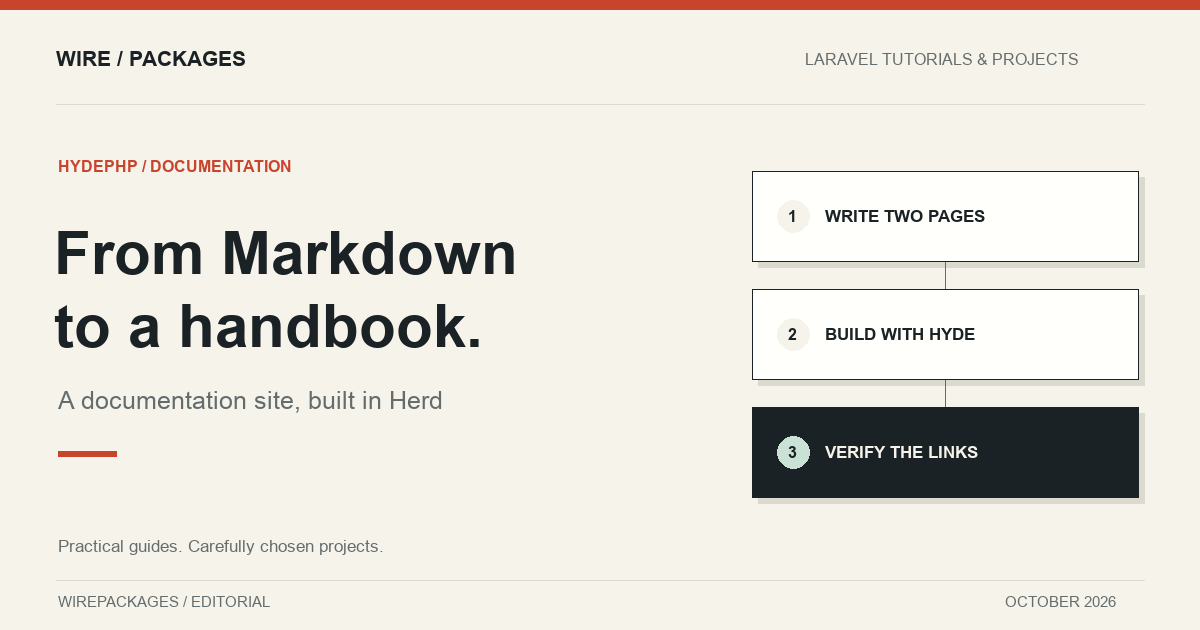
Turn two Markdown files into a linked documentation site, using a real HydePHP build in Laravel Herd.
A package can have a thoughtful API and still be hard to adopt because its documentation lives in one long README. Installation instructions, upgrade notes and examples compete for the same page. Splitting them into files is easy; turning those files into a readable site is the part that often becomes a separate frontend project.
HydePHP offers a PHP-centred route through that problem. It builds static sites from Markdown and Blade, with conventions for documentation pages and navigation. This walkthrough creates a small package handbook with two pages, builds it locally in Herd, and verifies that the generated pages link to each other. The example uses HydePHP 2 and does not require a database.
Choose a small documentation structure
The handbook has an overview and an installation page. That may sound too small to need a generator, but it exercises the decisions that matter when a site grows: a landing page, an ordered sidebar, links between pages and a build output that can be hosted independently of the source project.
The overview explains what belongs in the handbook and gives maintainers a release checklist. The installation page tells readers what to check before they begin and how to verify their setup. Neither page invents a package installation command for a package that does not exist. The content is a demonstration of documentation structure, not an installation promise.
A good first handbook is specific about what it covers. Readers should be able to tell whether they are looking at instructions for the latest release, a maintained older version or an experiment. Keep that information near the introduction instead of expecting everyone to infer it from the repository branch.
Work in a real Hyde project
For this article, Hyde was installed with Composer into the Herd workspace's examples directory. The project includes its Composer lockfile, so the dependency set can be inspected and recreated. PHP runs the build locally; the resulting website consists of static files. Publishing those files does not require the production host to run Laravel.
The official quickstart explains the project creation command and current PHP requirements. Once the project exists, documentation source goes in its documentation directory. The article's two files live there alongside the standard project structure. There is no custom parser or alternate publishing system hidden behind the example.
This is the overview page:
---
title: Package handbook
navigation:
  priority: 1
---

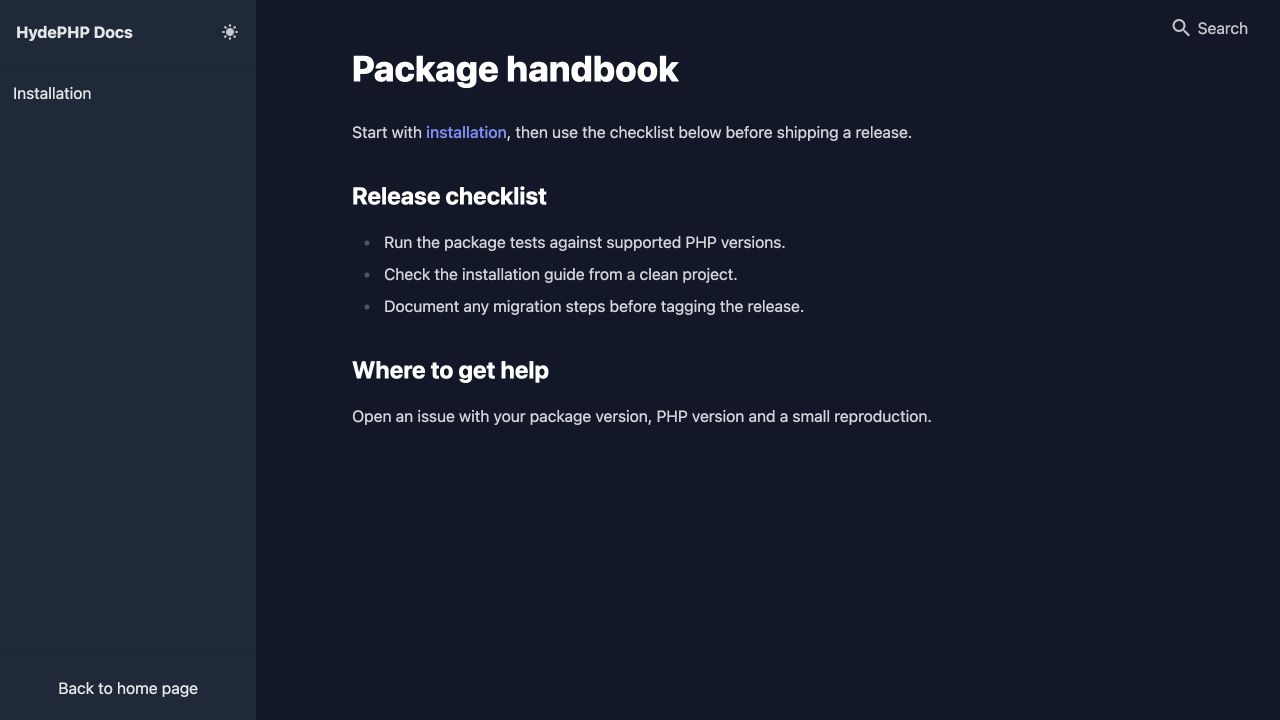
# Package handbook

Start with [installation](/_docs/installation.md), then use the checklist below before shipping a release.

## Release checklist

- Run the package tests against supported PHP versions.
- Check the installation guide from a clean project.
- Document any migration steps before tagging the release.

## Where to get help

Open an issue with your package version, PHP version and a small reproduction.
The front matter supplies a title and navigation priority. The heading and body remain ordinary Markdown. Keeping the title in front matter also gives the generator useful page metadata without turning each page into a manually maintained HTML document.
Add the next page and connect the journey
An installation page should be useful before a reader runs anything. It can name prerequisites, explain where configuration belongs and describe the result they should expect. Even for a short guide, give the reader a way back to the overview so the site feels connected rather than a collection of files.
---
title: Installation
navigation:
  priority: 2
---

# Installation

This handbook accompanies the demonstration package used by the WirePackages editorial team.

## Before you start

Check that your PHP version matches the package requirements and commit outstanding changes.

## Verify your setup

Run the package test suite in your project. A passing installation check should exercise the feature you intend to use.

Return to the [package handbook](/_docs/index.md) for the release checklist.
The links use source-root paths such as /_docs/installation.md. Hyde recognises those source paths and rewrites them to the corresponding HTML output. Bare relative Markdown paths are not supported by this feature. The verification script checks the actual inline links, including their destinations. That is more informative than assuming a successful build means every reader journey works.
Navigation priority gives these pages a deliberate order. The handbook comes first, followed by installation. Once the site has more pages, group them around the reader's tasks: getting started, using the package, troubleshooting and upgrading. A list sorted entirely by filenames can be convenient for maintainers while confusing for someone encountering the project for the first time.
Build the site you will actually publish
The build script runs from the example project directory and stops if the build fails. The non-interactive option makes its behaviour suitable for an automated check as well as a local terminal.
#!/usr/bin/env bash
set -euo pipefail
cd "$(dirname "$0")"
php hyde build --no-interaction
After building, the example verifies that both documentation HTML files exist, checks their key headings and confirms the links between them. This catches missing source files, unexpected output paths and broken assumptions about navigation. It does not claim to test every theme feature or every hosting provider; those are different responsibilities.
Open the generated pages in a browser before publishing. Look at the sidebar, the current page label, the text width and the links at the bottom of the page. Also try a narrow viewport. Documentation is often consulted beside an editor or from a phone, so a layout that only works across a wide monitor is unnecessarily limiting.
Keep source and output responsibilities clear
The Markdown, configuration and lockfile belong in the source repository. The generated site is a build artifact. Rebuild it when those inputs change, then publish the output directory through the hosting process you already use. Avoid manually editing generated HTML, because the next successful build will replace those edits.
Before a public deployment, configure the correct site URL and check generated metadata against that URL. A local preview address is useful during development but should not become a canonical address on the public site. The same check applies to links that assume the site lives at the root of a domain when it will actually live under a subdirectory.
Hyde's value here is practical: PHP developers can maintain documentation with tools and templates they already recognise, while readers receive a static site. You can start with two pages and add more structure when the content earns it. The accompanying example demonstrates that full path from Markdown source to linked HTML pages, with an actual build and verification rather than an untested screenshot of what the result might look like.